
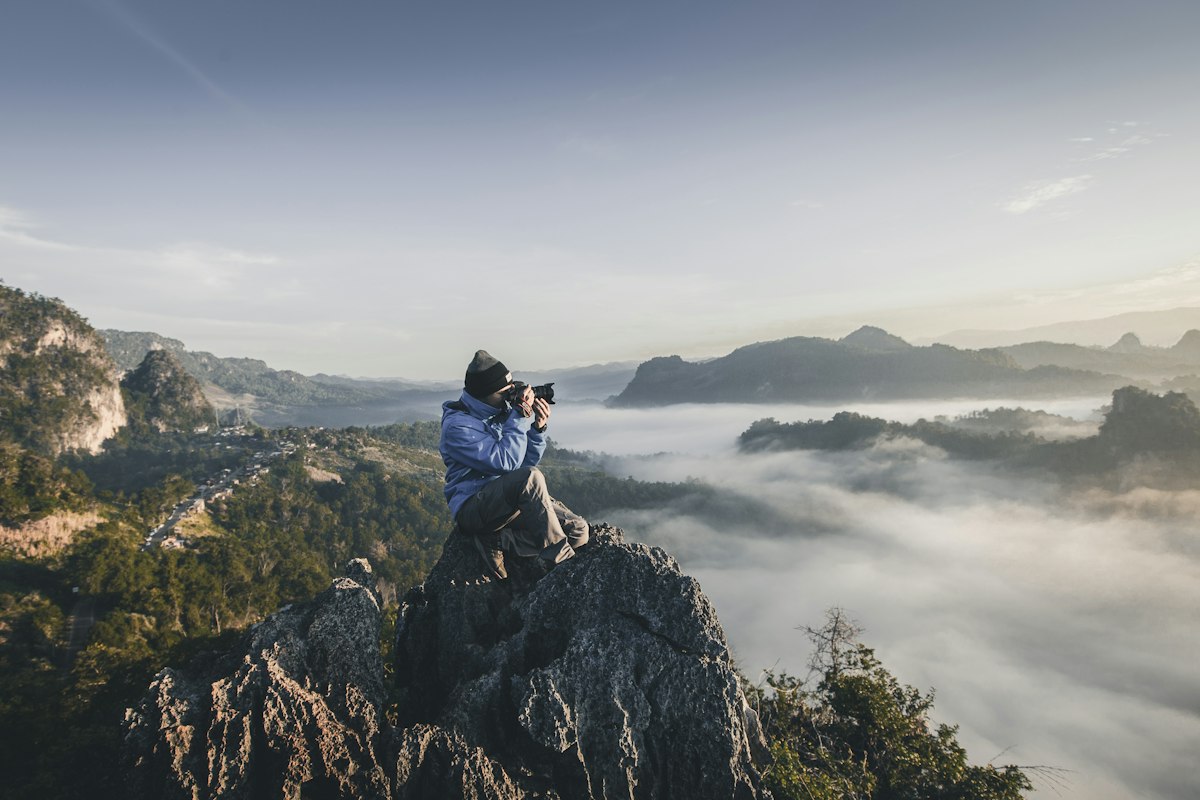
A personal photo can transform a template from "nice" to "that is so you." But the wrong crop or placement can make a polished design feel crowded. Here is how to add photos on Kaagaz without breaking the layout.
Pick photos with clear subjects
Busy backgrounds compete with your text. Choose images where faces or the main subject are obvious, with decent lighting. Portrait orientation often fits invitation layouts better than wide landscapes — unless your template has a dedicated banner slot.
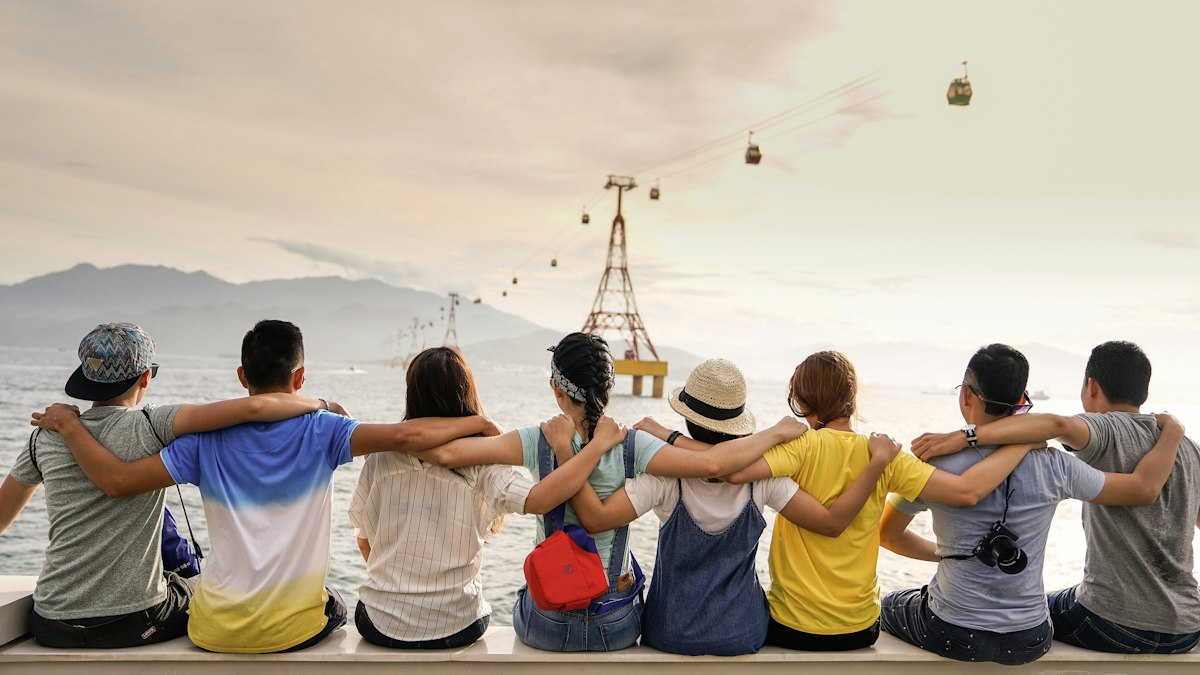
Use frames and shapes intentionally
Circular or arched photo frames guide the eye and feel intentional. Align the photo layer with existing design elements — if the template has a gold border on one side, mirror that balance with your image on the other.
One strong photo beats three average ones. Edit ruthlessly.
Upload your image in the Kaagaz editor, resize with the handles, and preview on mobile. If the faces are still clear at thumbnail size, you are good to share.