





01 · Save the date
June 14
Emma & James
Brooklyn

Kaagaz
Browse stunning designs, personalise every word and photo, then share in minutes WhatsApp, email, or print.
Curated
Watch them open
Live editor
Real HTML layers — sharp on any phone. Stickers, photos, and curved text in one place.
See what’s insideAfter they tap
Guests open a live card. You see who’s coming — no spreadsheet chase.
Browse designsFind your occasion
Trending now
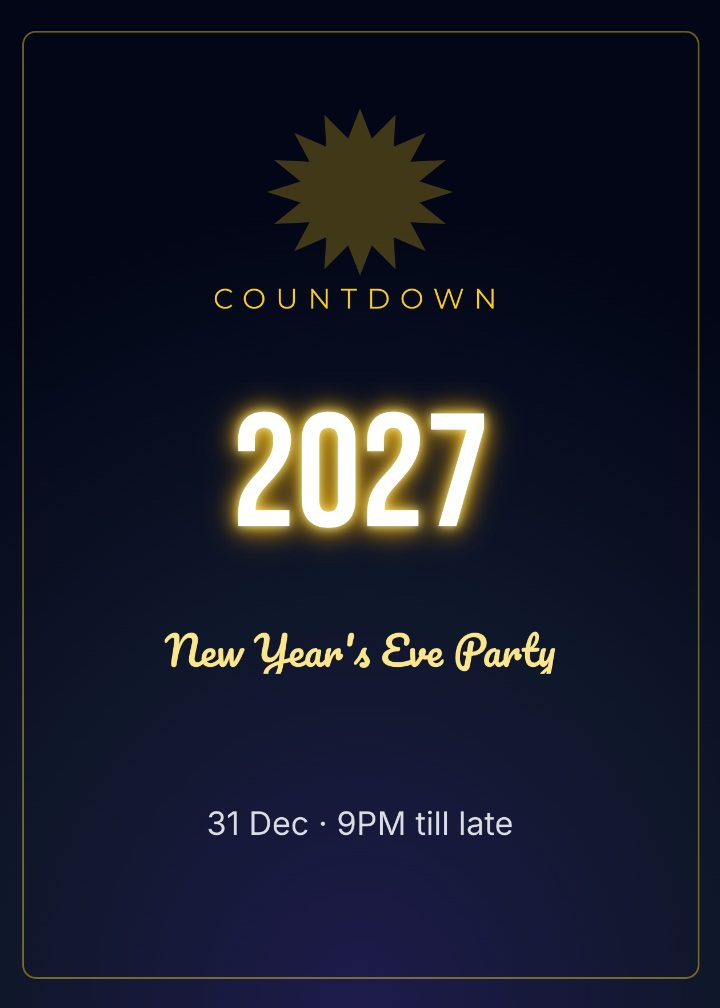
New Year Sparkle
Festival
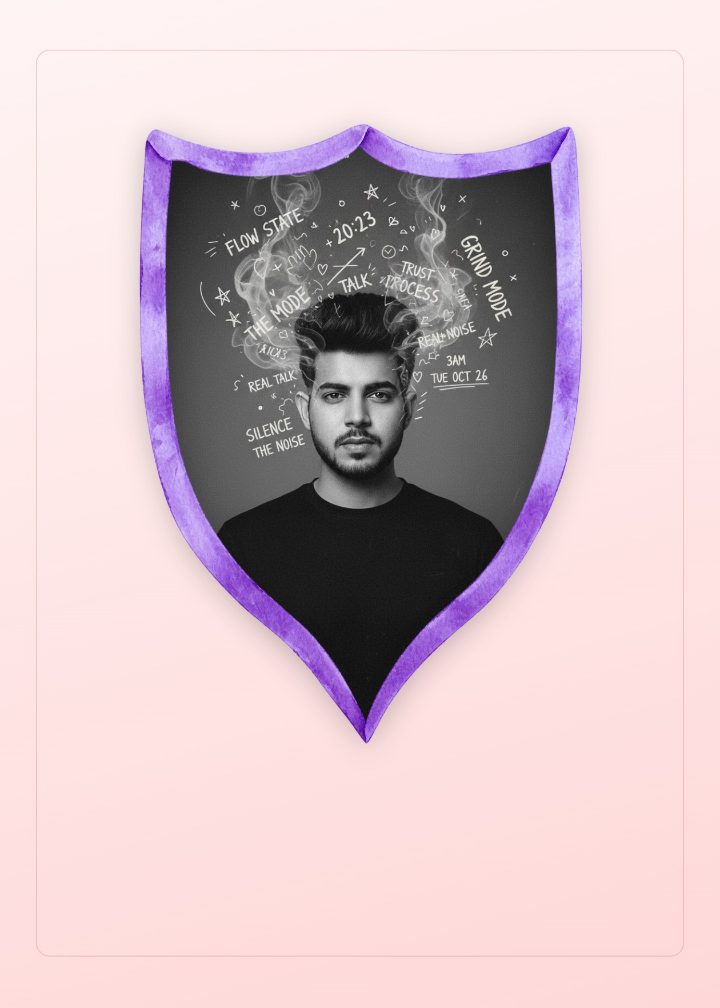
Blush Thank You
Thank you
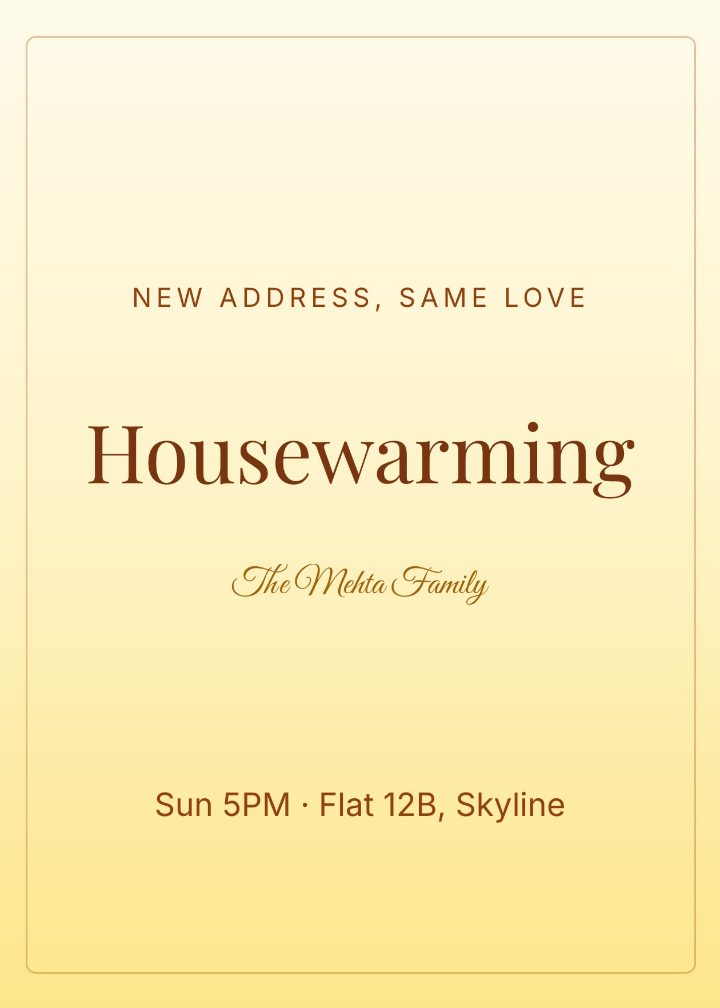
Modern Housewarming
Housewarming
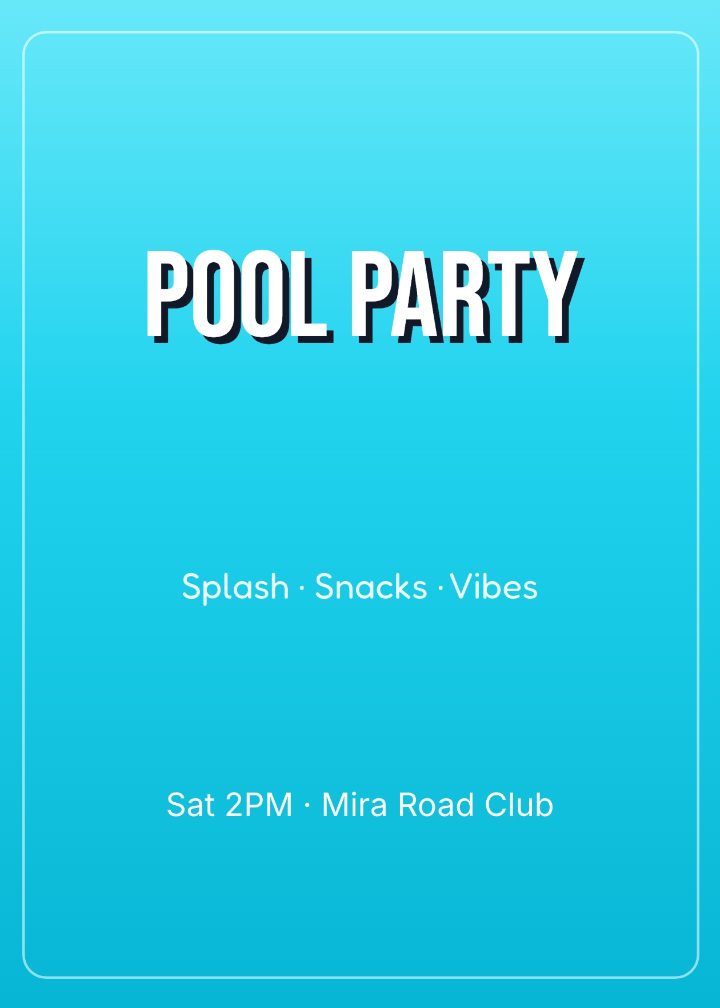
Summer Pool Party
Party
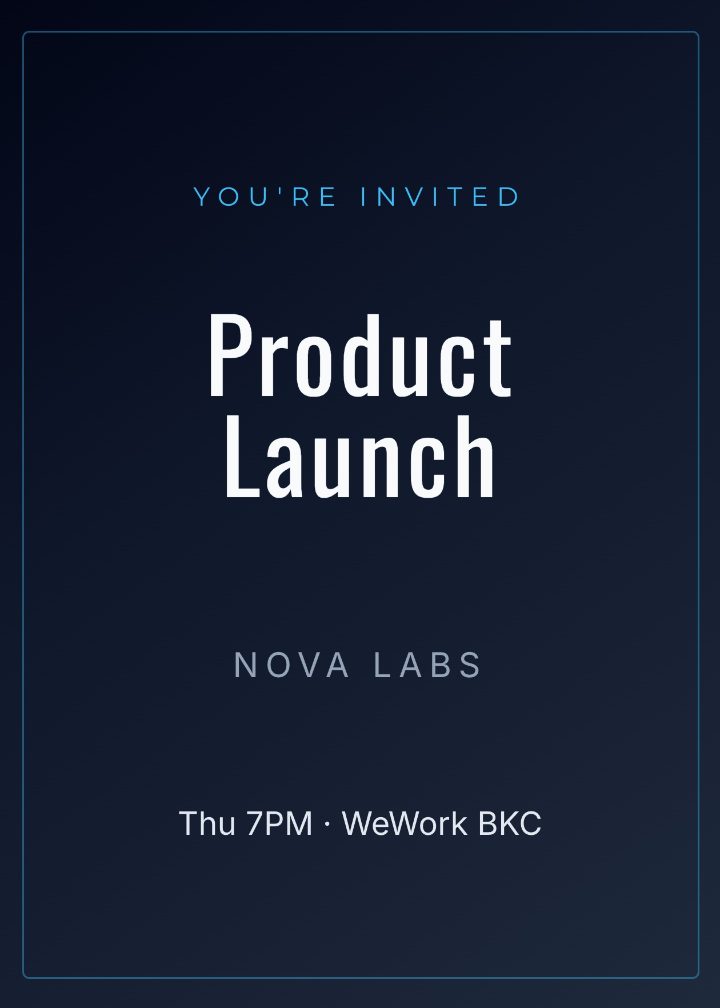
Corporate Launch Night
Corporate
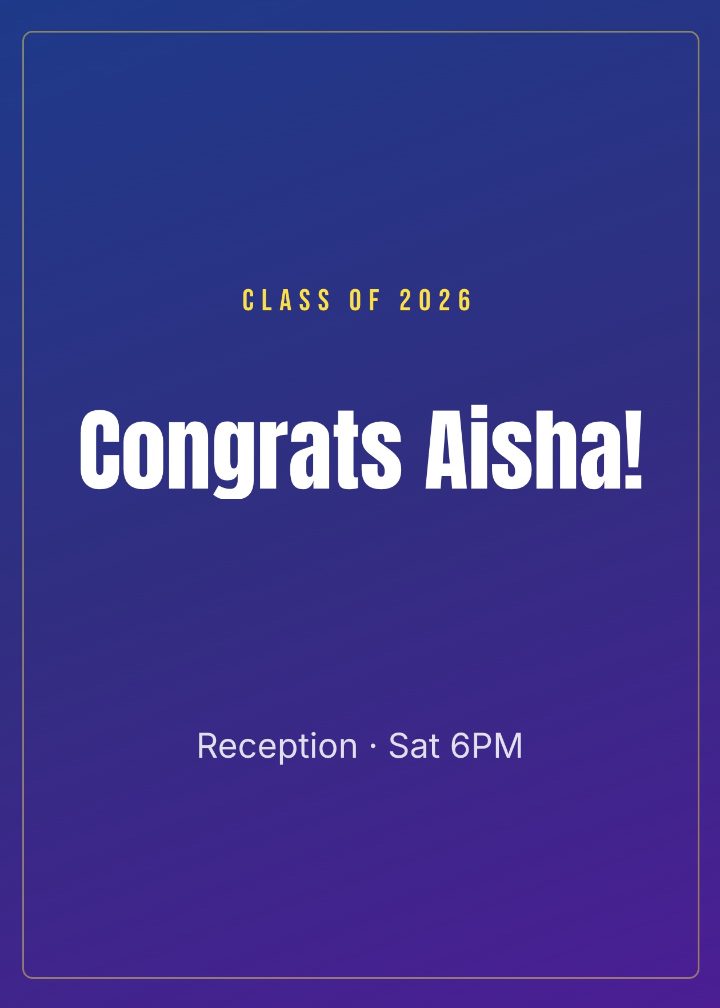
Grad Cap Celebration
Graduation
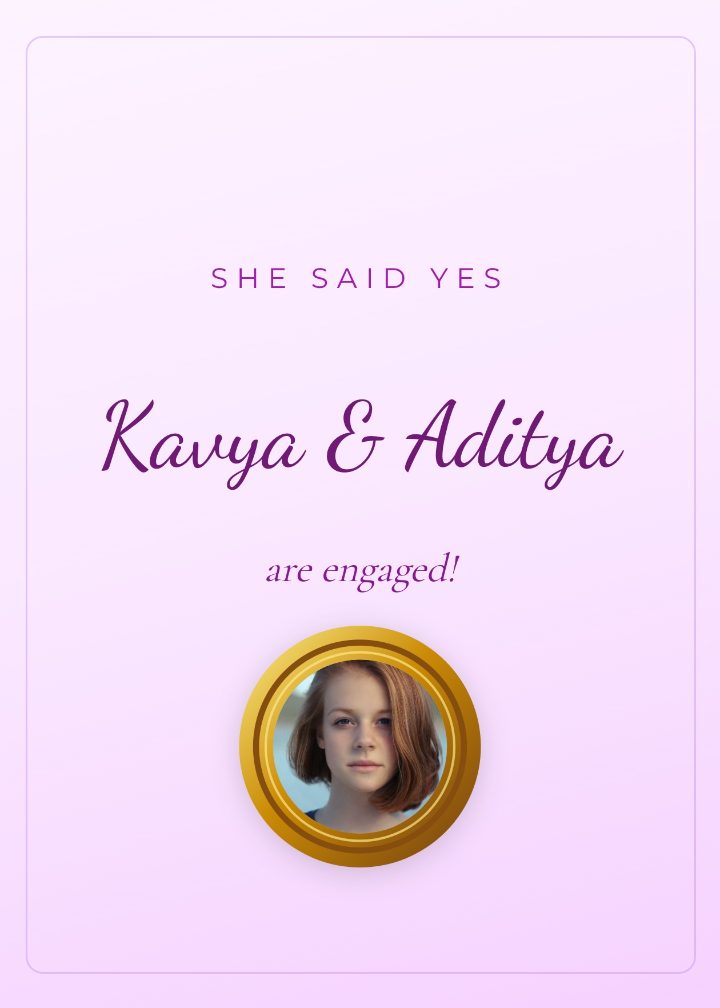
Proposal Engagement
Engagement
Elegant wedding invites, save the dates, and engagement cards — ready to personalise.
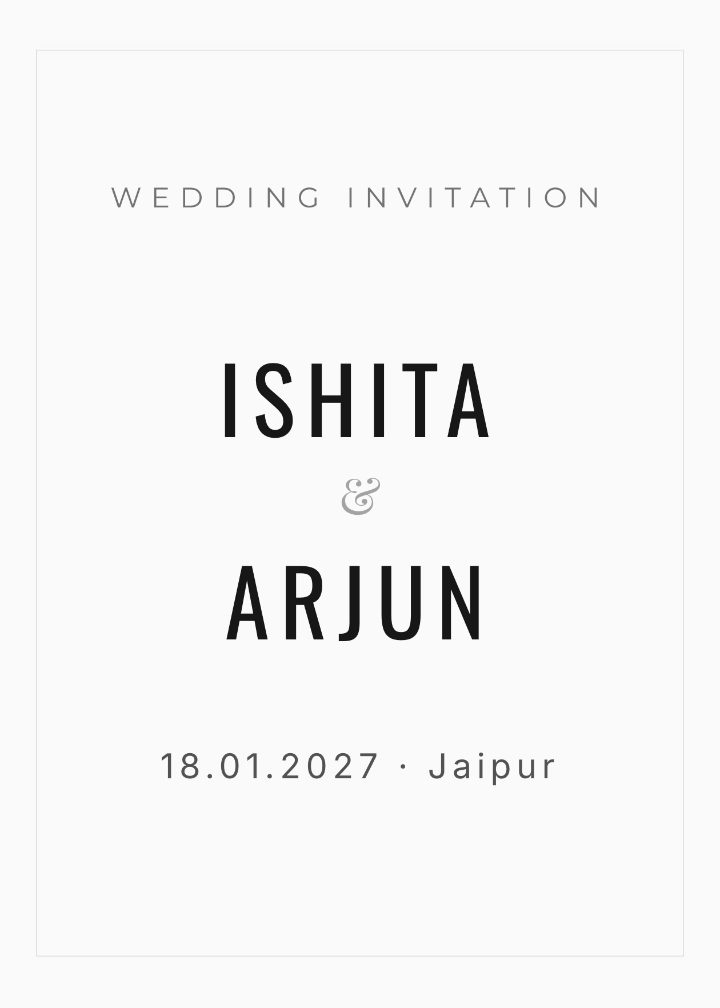
Modern Minimal Wedding
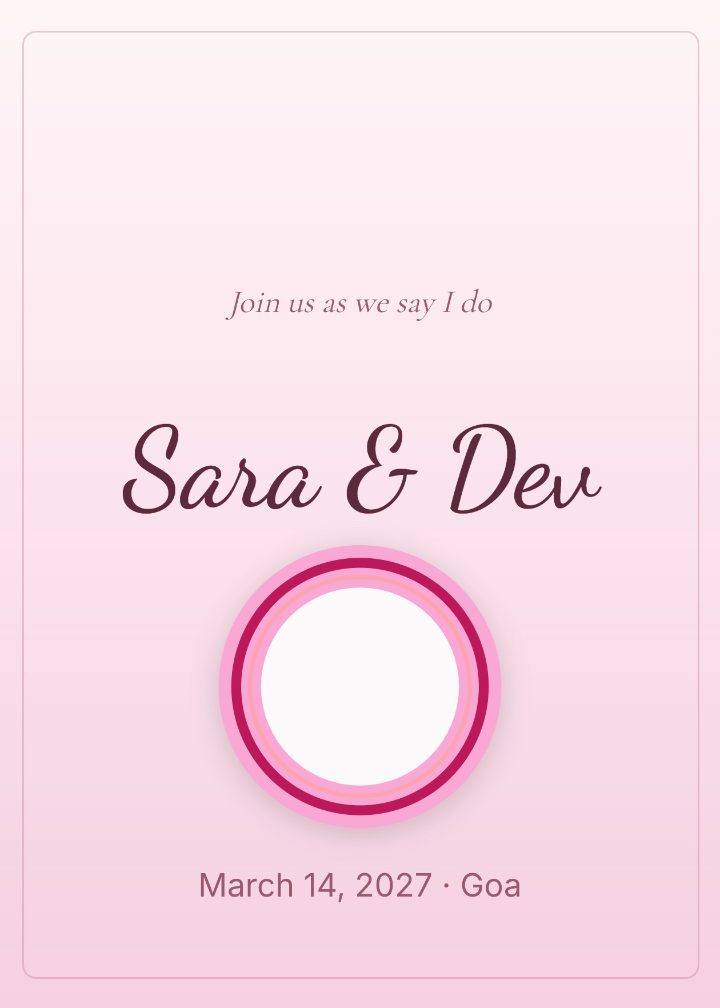
Blush Rose Wedding
From kids’ parties to milestone birthdays — designs that feel like the guest of honour.

Elegant Adult Birthday
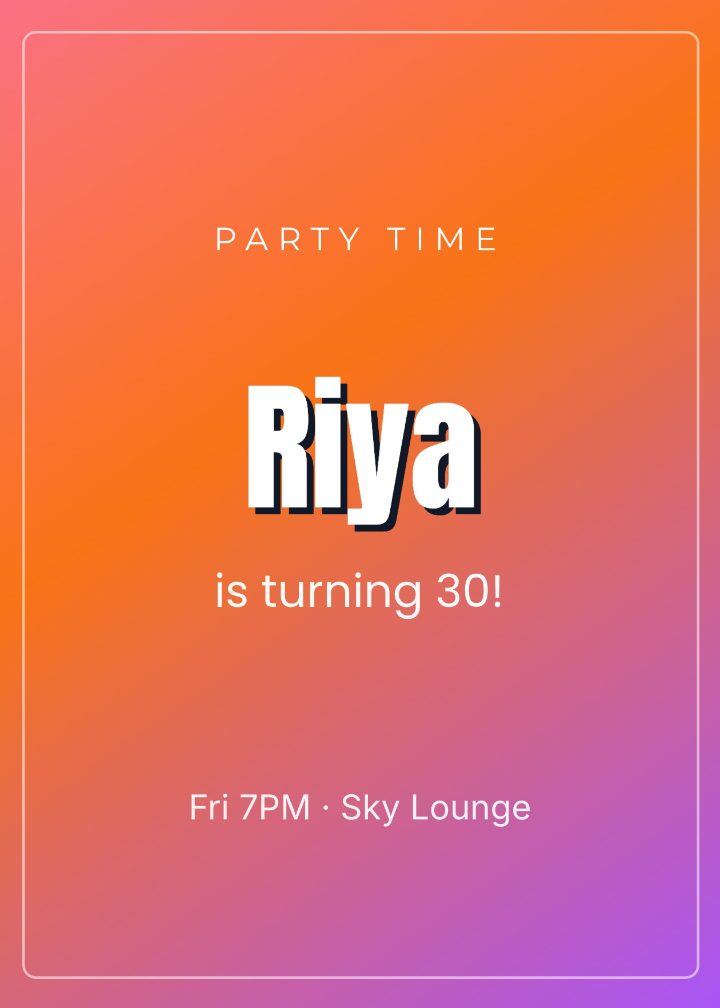
Confetti Bold Birthday
The product
Stickers, type, download, flip — then a live invite. These are screenshots of the real product, not mockups.
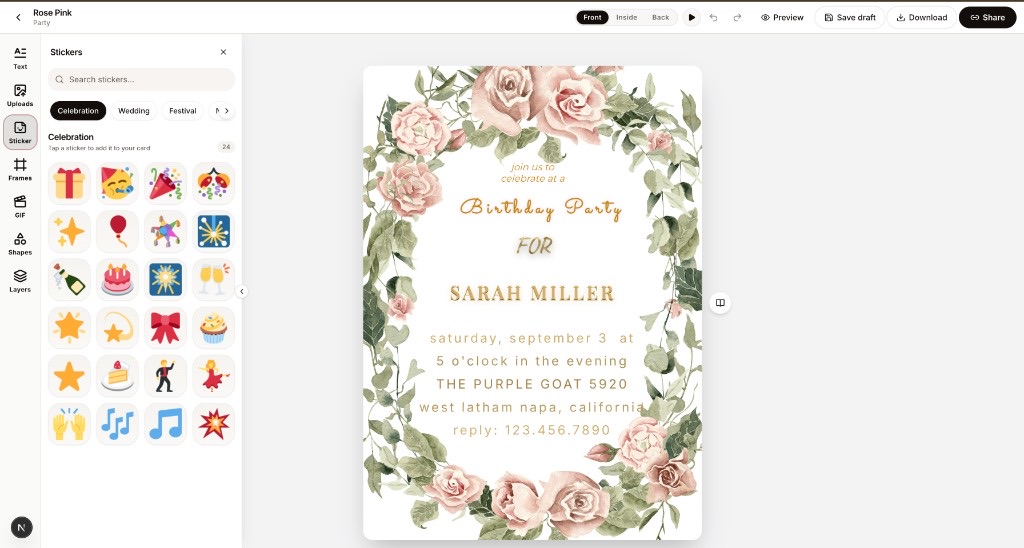
Editor
Text, photos, stickers, GIFs
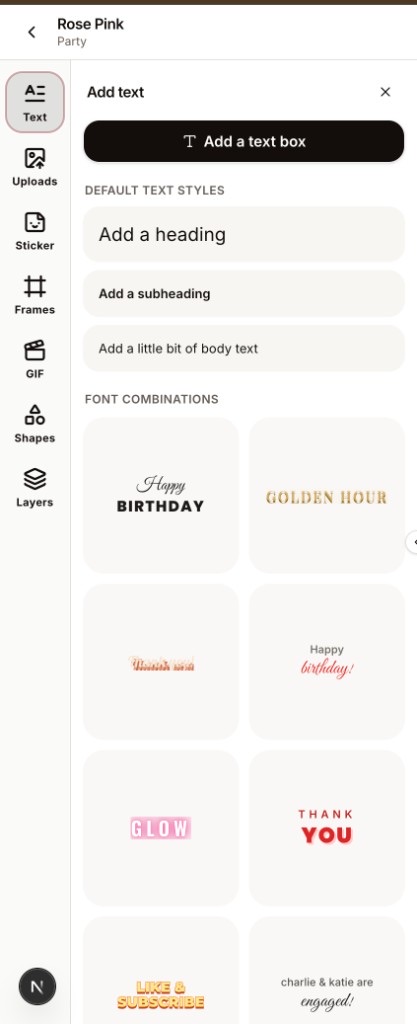
Type
Fonts and text styles
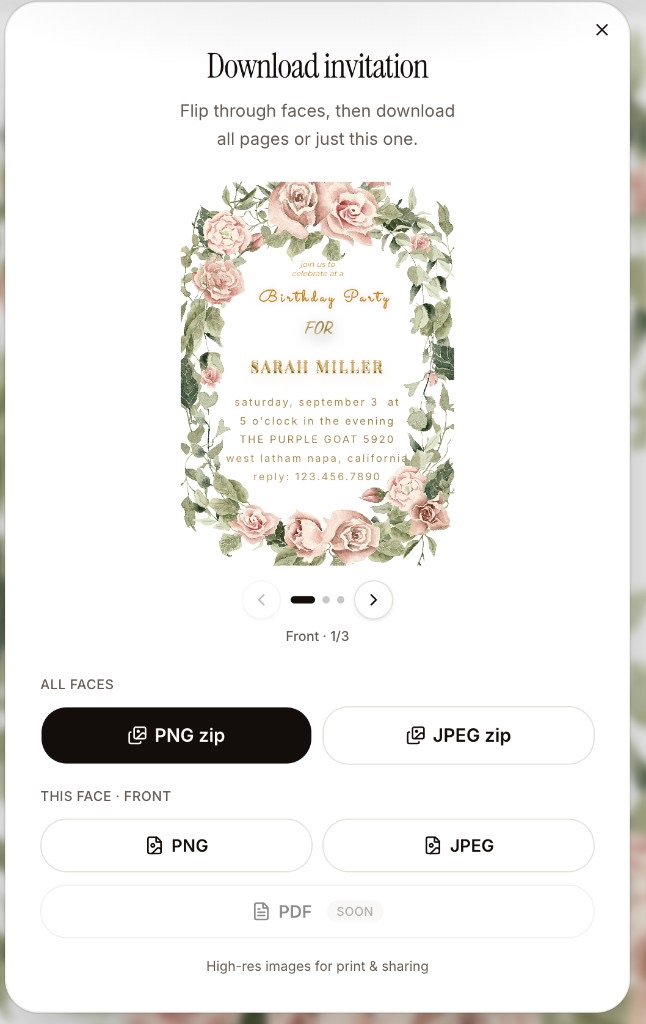
Download
PNG, JPEG, every face

Flip & fold
Opens like paper
RSVP
Welcome note, date, venue, RSVP — then share a link. Guests get a live page, not a PDF in a chat.
Start an invite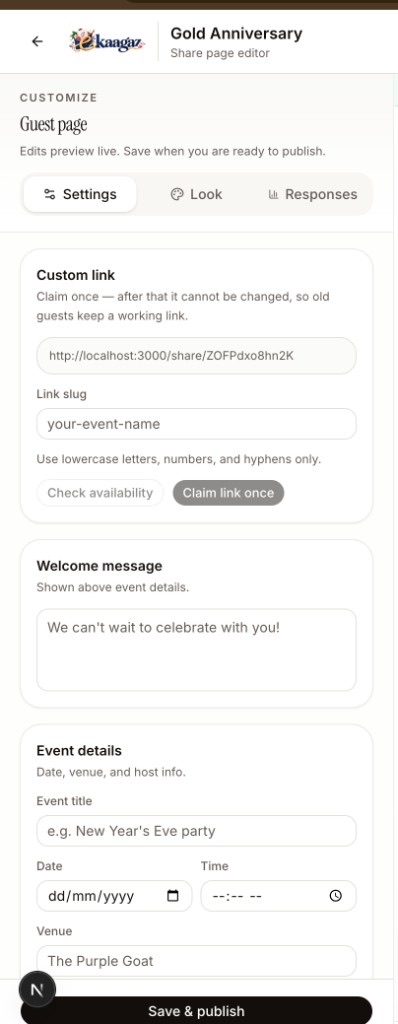
Customize
Settings, look, responses
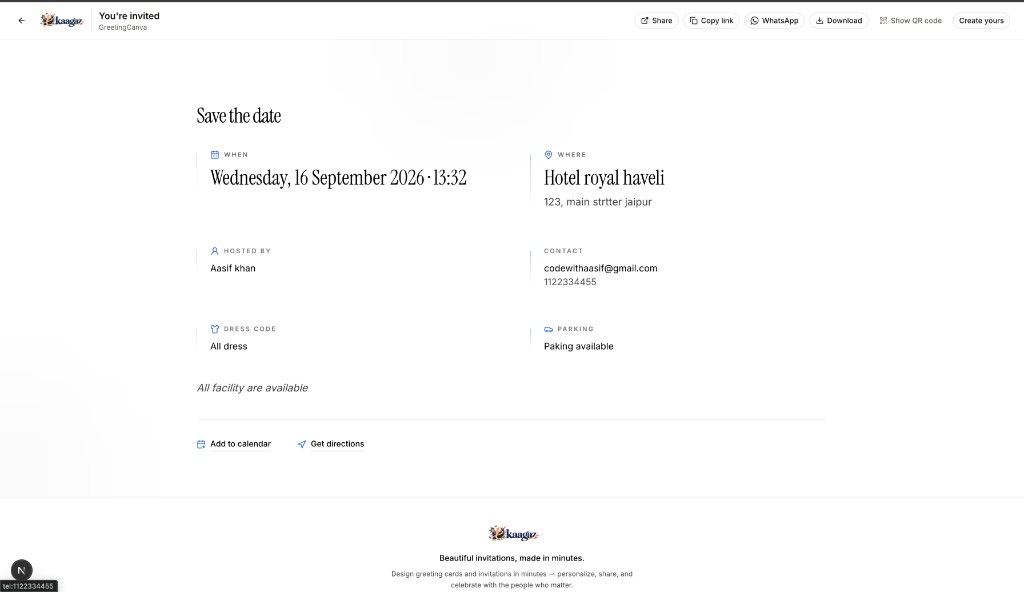
Guest page
What they open
The set
Save the date, the invite, the thank-you — same names, same feeling, one editor.
01 · Save the date
June 14
Brooklyn
02 · Invitation
You're invited
Kindly reply
03 · Thank you
With love
Always
How it works
Three beats. No download. No account needed to try.
Wedding, birthday, baby shower, bridal shower — open any design and you are already editing.
Browse designsNames, date, a photo, a sticker. The rest is already beautiful. Undo anytime.
Start blankWhatsApp, email, or a guest page. They flip the card. RSVPs come back to you.
See templatesGuests never install an app. Neither do you.
Loved by hosts
Feedback from Kaagaz users after they design and share their invitations.
From the blog
Design tips, celebration guides, and product updates from the Kaagaz team.
Open any template, make it yours, and share — no account needed to try the editor.
Start designing